 US log in
 UK log in
Tables, filters and exports
Search, filter, choose columns and export any report table.
Before you start
Open a report whose table you can view. The examples below use Work in progress. To download a workbook, your role also needs export permission for that report.
Find a fee earner
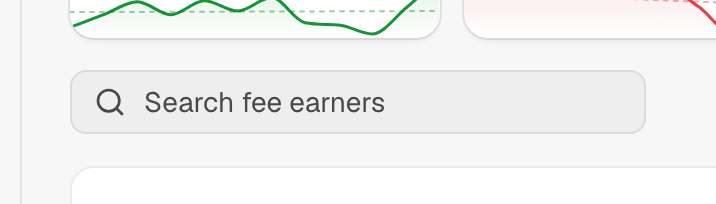
Search fee earners narrows the rows as you type a name. Clear the field to bring the other matching rows back.
Choose the table dates
Open the date range control above the table. Pick a preset or enter your own start and end dates.
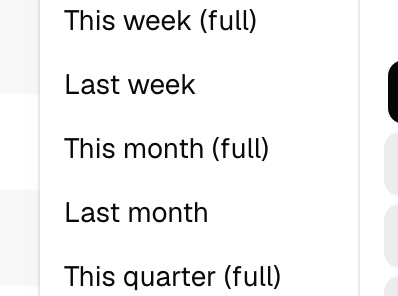
Last week selects the previous complete week.
Last month selects the previous calendar month. For the current month through today, choose Month to date.
The cards above this table keep their own reporting period when you change the table dates, search or filters. See Report periods.
Narrow the rows
Open Filters above the table. The choices depend on the report.
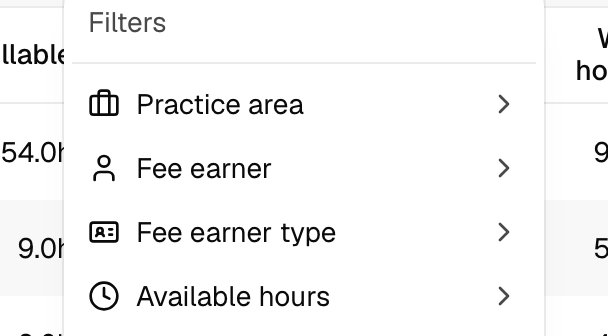
Practice area limits the results to the areas you select.
Fee earner lets you pick people by name.
Fee earner type lets you choose a group, such as attorneys.
Choose columns and export the results
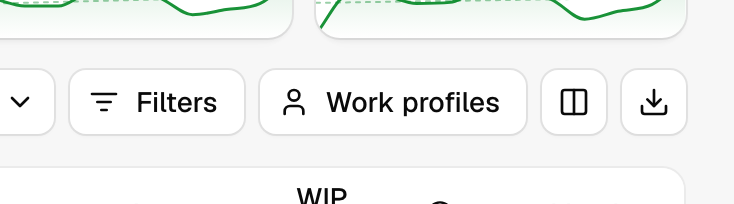
Columns lets you show or hide fields in the table. Select a sortable column heading to order the rows. Select it again to change the direction.
Export downloads an Excel workbook (.xlsx). It follows the table's dates, search, filters and sort order and includes matching rows across all pages.
The workbook has its own columns. Hiding a field on screen leaves its workbook column in place. For example, the Work in progress workbook includes available hours per day and the daily billable target.
If something goes wrong
Export is missing or greyed out
Ask your firm administrator to check your table and export permissions. If the button is visible, wait for the rows to load. If no rows match, clear your search or widen your filters.
There are too many rows to export
The Work in progress export accepts up to 5,000 rows. Narrow the dates or filters and export again.