 US log in
 UK log in
Weekly brief and forecast emails
Check who receives the weekly brief and choose whether you get the weekly cash-flow forecast email.
Before you start
Open Settings → Reporting. If your firm bills hourly or uses both billing methods, members who manage notifications can see Weekly brief. If your firm bills on contingency or uses both methods, members who can view the cash flow forecast can see Cash flow.
Check who receives the weekly brief
Open Settings → Reporting → Weekly brief. The brief covers billable work, targets and daily hours for the previous complete week. It goes out on Monday at 8 a.m. in your firm's reporting time zone.
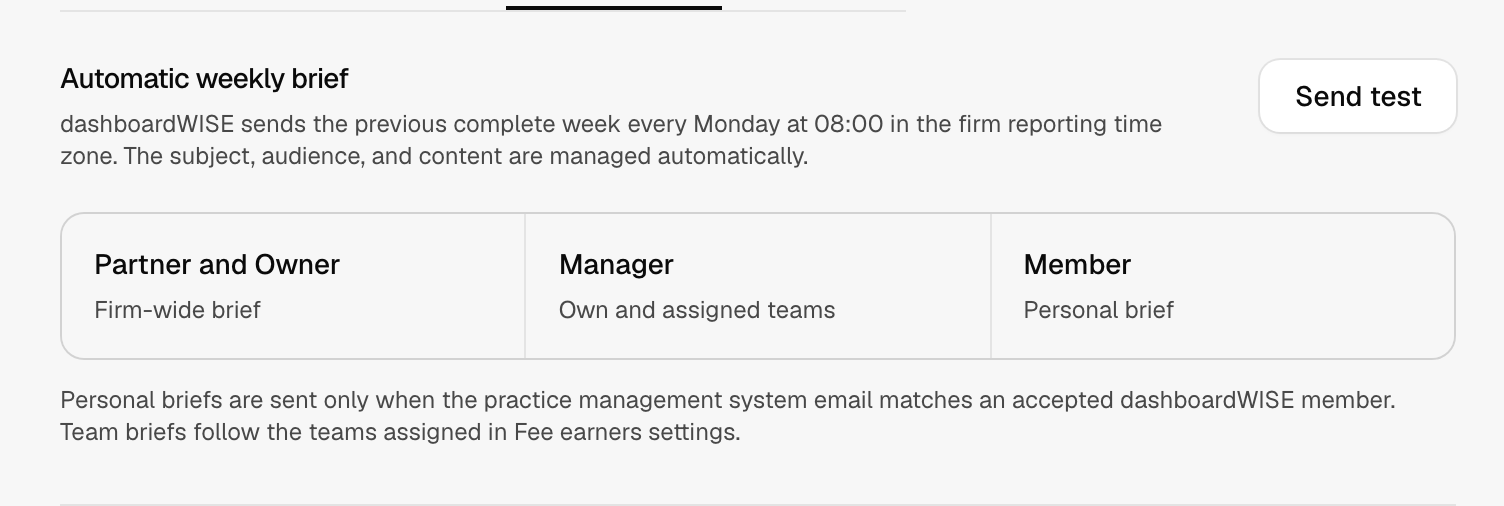
Partner and Owner receive a firm-wide brief.
Manager receives a brief for their own and assigned teams.
Member receives a personal brief about their own work.
Send test sends a sample brief to you.
Delivery is automatic: there is no switch to turn the brief on or off. Check Recent deliveries to see scheduled briefs.
Choose whether to receive the forecast
Open Settings → Reporting → Cash flow. The Monday forecast shows projected settlements or firm fees for the next three calendar months, with counts of open matters whose forecast is missing, zero or overdue. You receive it for each connected data source you can access.
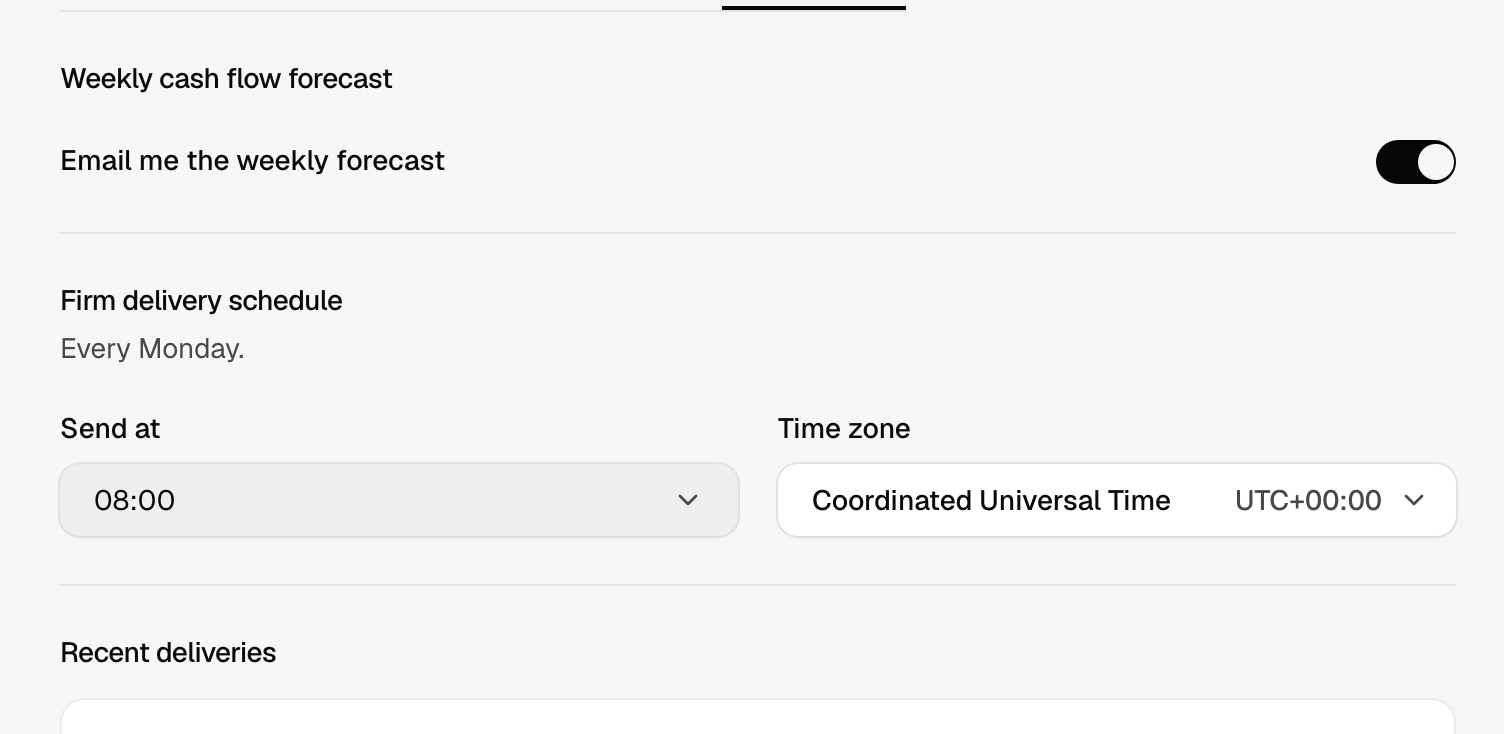
Email me the weekly forecast turns your own forecast email on or off. Your choice saves straight away and applies only to you.
Send at sets the Monday delivery hour for the whole firm.
Time zone sets which zone that hour uses. Select Save changes to apply a new delivery time.
Recent deliveries lists each week's emails and whether they arrived.
Only members who can manage firm settings can change Send at and Time zone. The change applies to everyone who receives the forecast.
If something goes wrong
A fee earner did not receive a personal brief
Check that their Clio or Smokeball email matches their accepted dashboardWISE account. Their current work profile must include them in performance reporting and have personal email delivery enabled for that address.
My forecast has not arrived
Check your switch and the firm's Monday delivery time under Cash flow. Look in Recent deliveries for your address and the week. Failed or Not delivered identifies a delivery problem.